Comparison
Why iConvertFile could be better than FreeConvert for your everyday files
Compare browser processing, daily quotas and photo workflows fairly, and see when FreeConvert may be the better fit.
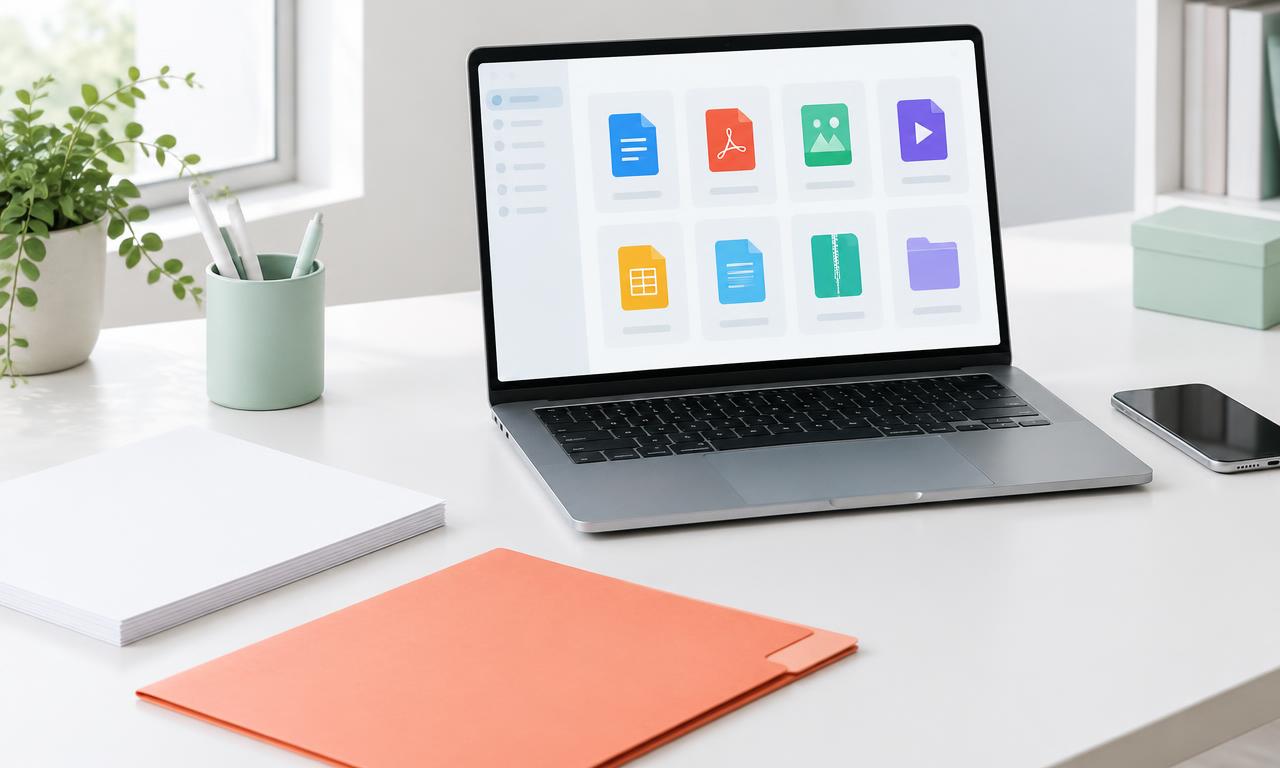
iConvertFile could be a better fit than FreeConvert when you want everyday file tasks to run on your own device, without an account or a daily browser conversion quota. That does not make it better for every format or every file. The right choice depends on where processing happens, the tools you need and the capacity of your device.
This comparison is written by iConvertFile, not an independent reviewer. FreeConvert claims below come from its official pages, checked on November 5, 2026. We have not run a speed or output quality benchmark against it.
The clearest difference is where your file goes
Many iConvertFile tools read and convert files inside your browser. For a browser conversion, the file contents stay on your device. That can be useful for a personal photo, a document or an archive you would rather not send to a conversion service.
FreeConvert describes an upload workflow, encrypted transfers and automatic file deletion after eight hours on its main converter page. [1] Uploading is not evidence that a service is unsafe. It is a different processing model, and you should choose one that matches your file handling requirements.
iConvertFile is not entirely upload free. Some formats require server processing. Compatible tools may also use it for a single file over 50 MB or if device conversion fails. Those conversions upload your file, and the conversion job is deleted after the result is downloaded. Read the processing label on your chosen tool and our About page before proceeding.
Browser conversions do not use a daily allowance
iConvertFile has no site imposed daily quota for browser conversions and does not require signup. FreeConvert says its free users receive 20 conversion minutes per day. Its paid plans increase capacity and offer other benefits. [2]
That distinction matters if you regularly convert small files. It is not a promise of unlimited processing power: device memory, browser support and the tool's file limits still apply. iConvertFile server availability also depends on available capacity.
A photo workflow can matter more than a format list
If an application asks for a particular photo format, maximum file size and exact dimensions, Upload Ready brings those checks together. It checks the actual saved output against your entered requirements and reports a failed size target instead of silently changing the dimensions. A passed check does not guarantee acceptance by the organization receiving the photo.
For simpler tasks, start with HEIC to JPG or Resize Image. Our compression tools also return the original file when they cannot make it smaller. Always inspect the result for visual quality.
When FreeConvert may be a better choice
FreeConvert advertises more than 1,500 conversions and advanced options. [1] If it supports a specialist format or setting you need that iConvertFile does not, it may be the more practical option. Server processing can also be useful when your phone or computer cannot handle a demanding conversion.
We are not claiming iConvertFile is universally faster, safer or more accurate. Start with one representative file, check the output and compare the workflow. Choose iConvertFile when local processing and straightforward everyday tools match your needs. Choose another service when its supported formats or capacity better suit the task.