
Media guide
SaveClipX Video Downloader, Every Downloader, Browser Tool and Extension Feature
Explore SaveClipX video downloaders, WhatsApp Status Saver, transcription, media tools and browser extension features, with direct links and availability notes.
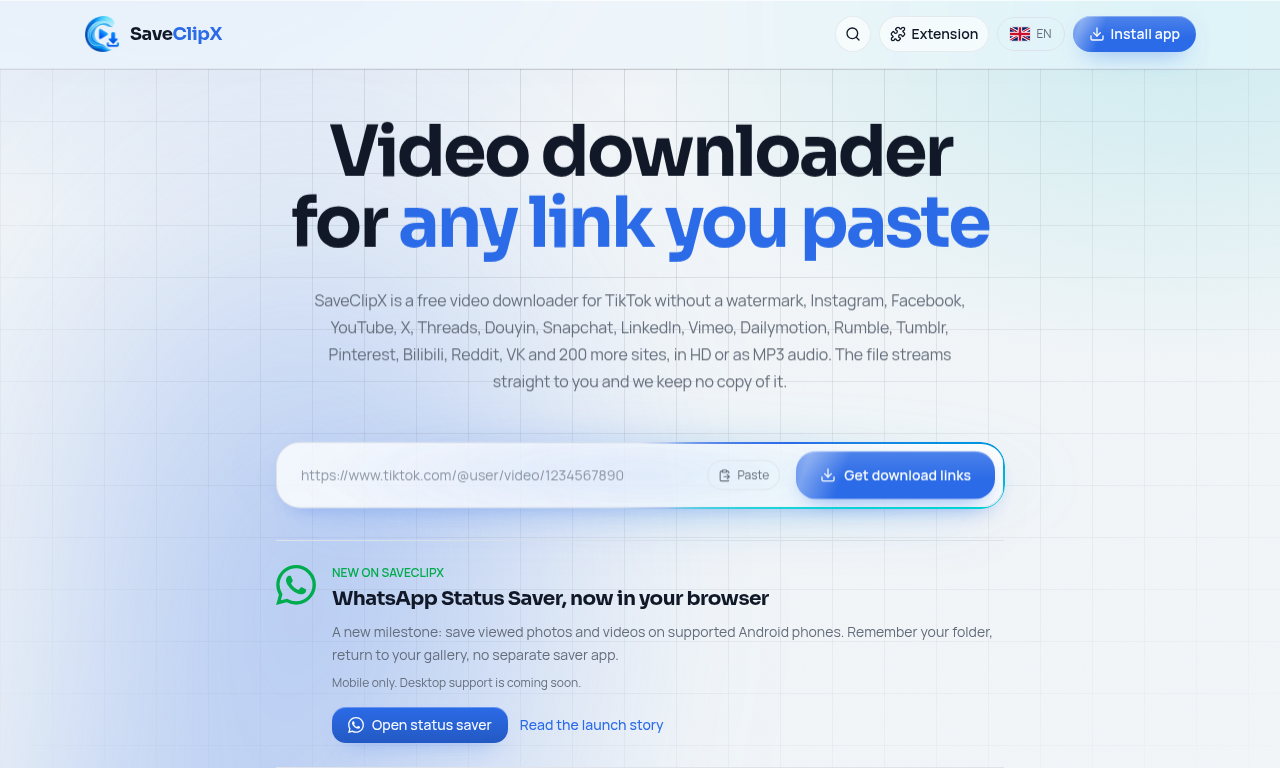
SaveClipX brings video downloading, audio extraction, story saving, transcription, conversion and browser extension shortcuts together at saveclipx.com. Whether you want to save a public clip, turn a recording into text, reduce a video file or connect to your WhatsApp status folder on a supported phone, there is a dedicated place to start.
This guide introduces the SaveClipX features that iConvertFile readers can use alongside their file conversion workflow. Every feature below links to SaveClipX, where the tool runs.
Start with the complete toolkit
- SaveClipX main downloader, paste a supported public media link to find available video, audio or photo results.
- All SaveClipX tools, browse the downloaders, converters, transcript tools and media utilities.
- Transcript tools, explore the dedicated collection of speech and video transcription pages.
Every platform video downloader
SaveClipX has dedicated downloader pages for the following 17 platforms. Available formats, quality and media types depend on the public source. A download option does not unlock private accounts, paid content or protected streams.
- TikTok video downloader, Save public TikTok videos, including clean video copies where available, audio and photos.
- Instagram video downloader, Save public Reels, feed videos, photos and carousel media.
- Facebook video downloader, Download publicly accessible Facebook videos and Reels.
- YouTube video downloader, Find available video and audio options for accessible YouTube videos and Shorts. Saving stays on the SaveClipX website.
- X video downloader, Save public X videos and supported animated media from post links.
- Pinterest video downloader, Download supported video Pins and save available Pin images.
- Bilibili video downloader, Find downloadable video options from supported public Bilibili links.
- Reddit video downloader, Save supported Reddit videos with sound when the source provides it.
- Douyin video downloader, Download supported public Douyin clips and available clean versions.
- Threads video downloader, Save public Threads videos and available post photos.
- LinkedIn video downloader, Download videos from supported public LinkedIn posts.
- Snapchat video downloader, Save supported public Snapchat Spotlight videos.
- Rumble video downloader, Download available video files from supported public Rumble pages.
- Tumblr video downloader, Save supported public Tumblr videos and animated media.
- Dailymotion video downloader, Find available video files from supported public Dailymotion pages.
- Vimeo video downloader, Download supported public Vimeo videos at the quality available from the source.
- VK video downloader, Save accessible public VK videos, including supported VK Video links.
Additional downloading and format pages
- How to download TikTok videos without a watermark, A focused walkthrough and downloader for saving available clean TikTok video copies.
- YouTube to MP3, Extract or save an available audio option from a supported YouTube link.
- How to download Reddit videos with sound, A dedicated route for saving supported Reddit videos with their audio.
- How to download Instagram reels, Save public Instagram Reels through a focused Reels page.
- Instagram to MP4, Save an accessible Instagram video in an available MP4 format.
- TikTok to MP4, Save supported TikTok clips as MP4 video files.
- YouTube to MP4, Find available MP4 options for accessible YouTube videos.
- YouTube 1080p downloader, Choose Full HD when the source offers a downloadable 1080p option.
- YouTube 4K downloader, Choose 4K only when the source offers that quality.
- YouTube converter, Find supported YouTube video and audio output options.
- TikTok story downloader, Try supported public TikTok stories while they remain accessible.
Story savers, viewers and profile pictures
Instagram story downloader lets you look up supported public stories and available highlights. Facebook story viewer and downloader provides previews and saving controls for stories the service can access. TikTok story downloader covers supported public TikTok story links.
Stories can expire, be restricted or temporarily unavailable. These tools do not guarantee access to every story, and story service allowance can affect availability.
WhatsApp Status Saver in a mobile browser
WhatsApp Status Saver connects to a status folder you choose and approve on a supported mobile browser. Once permission is granted, it can refresh the connected folder and display the available status photos and videos. This is more than a page for uploading individual files, it supports a remembered folder connection.
- Choose WhatsApp or WhatsApp Business, with separate folder guidance and remembered connections.
- Follow the illustrated instructions to locate the status folder and show hidden files when necessary.
- Connect the folder through your phone’s permission screen.
- View available photos and videos in the gallery.
- Save individual statuses from the gallery.
- Use available sharing controls when supported by your browser.
- See a syncing indicator while the folder is being read.
- Let the page refresh the connected folder while it is open and visible.
- Restore a remembered connection after returning, when the browser retains permission.
- Keep status media on your device, the saver does not upload those files.
The WhatsApp saver is mobile only, with desktop support coming soon. Folder access depends on the phone and browser, and it still requires your permission. An iPhone website cannot browse WhatsApp’s private status folder. The tool cannot fetch statuses by phone number or silently access someone else’s files.
Read the full WhatsApp browser status saver guide for its setup and feature explanations.
Every additional SaveClipX tool
The following list includes all current tool pages, including the specialised story and transcription tools.
- YouTube thumbnail downloader, Preview and save available YouTube cover images in different sizes.
- Bulk video downloader, Process several supported links in one batch and save the available results.
- Instagram story downloader, Look up supported public Instagram stories and available highlights.
- Instagram profile picture downloader, Preview and save an available public Instagram profile picture.
- YouTube transcript generator, Turn an accessible YouTube video into readable text.
- YouTube subtitle downloader, Save available YouTube captions in supported subtitle formats such as SRT and VTT.
- Video transcript generator, Generate text from supported public video links across platforms, not just YouTube.
- Video to text, Upload a video or audio recording for transcription.
- Transcribe audio to text, Transcribe several recordings in one workflow.
- TikTok transcript generator, Generate a transcript from a supported TikTok video.
- Instagram reels transcript, Turn a supported public Instagram Reel into text.
- Facebook video transcript, Transcribe a supported public Facebook video or Reel.
- X video transcript, Turn a supported X video into a readable transcript.
- Reddit video transcript, Transcribe a supported Reddit video.
- Video watermark remover, Edit a selected watermark or overlay area in a video you have permission to modify.
- Video compressor, Reduce a video’s file size and see the actual output size after processing.
- Video converter, Convert supported media files and see the actual output format.
- Video translator, Translate video speech or subtitles and create dubbing where voice services are available.
- MP4 to MP3 converter, Extract audio from an MP4 video as MP3.
- MOV to MP4 converter, Convert a supported MOV recording into MP4.
- Video to GIF converter, Turn a supported video clip into a GIF.
- Instagram story viewer, Preview stories from supported public Instagram accounts.
- Facebook story viewer, Preview and save Facebook stories that can be accessed by the story service.
- Anonymous Instagram story viewer, View supported public Instagram stories without signing into Instagram on SaveClipX.
- Instagram story widget, Create a supported Instagram story display for embedding on a website.
- EmbedSocial alternative, Explore SaveClipX’s Instagram story embedding option.
- Speech to text, Record speech for transcription, notes, summaries and action items.
- AI watermark remover, Use the image watermark editing tool on pictures you own or have permission to edit.
Transcription and voice generation depend on the connected services and their available allowance. Conversion, compression and final dubbing assembly use browser processing where supported, so device memory, file size and media codecs can affect the result.
Public media beyond the dedicated platform pages
The main SaveClipX downloader also reads supported public media from other websites. Examples include supported Haokan video pages, Myco public shorts, AliExpress product videos, SoundCloud public audio and certain public embedded players. These use the main downloader rather than separate branded tool pages.
This broader link support is not a promise that every website works. Login requirements, source removal, encrypted streams, paid access, copyright restrictions and service availability can prevent a download.
The full SaveClipX browser extension
The SaveClipX browser extension page offers the full website extension and illustrated installation instructions. The features below describe that full website build. Separate browser store versions can have fewer features and different platform support.
- Save buttons on supported posts. Start a SaveClipX action from supported posts, Reels, feeds and clips without manually copying every link.
- Public video discovery. Recognise supported visible media on additional pages and offer an appropriate SaveClipX action.
- Quality selection. Choose the best available quality or a preferred resolution, such as 1080p or 720p, when the source supplies it.
- Remembered preferences. Keep your preferred format and relevant choices in the browser.
- Audio shortcuts. Send a supported video to the website’s audio saving workflow.
- Subtitle shortcuts. Request supported subtitle output or open the transcript tool with the video link ready.
- Video dubbing. Use the full build’s dubbing panel to translate supported video speech where voice services are available.
- Searchable dubbing languages. Find a target language in the language picker and retain your last choice.
- Meeting capture. With permission, capture the meeting tab and microphone for speech transcription.
- Meeting notes and summaries. Turn captured speech into organised notes, key points, decisions and action items.
- Live speech indicator. See when a speech session is running from the extension popup.
- Local notes history. Keep recent meeting sessions on the device for seven days.
- Queue while browsing. Add supported links to a local queue before opening the batch saving workflow.
- Scan this page. Look for supported video links on the active page and add them to the queue.
- Bulk link entry. Paste several links, one per line, and use Save all in bulk to continue the website saving workflow.
- Right click actions. Open a supported link with Save with SaveClipX from the browser context menu.
- Keyboard shortcut. Use Alt+S where supported to start saving the relevant media through SaveClipX.
- Searchable saving history. Find previous saved links and use Save again without searching for the original post.
- Direct tool shortcuts. Open transcription, audio conversion, compression, conversion, watermark editing and bulk tools from the popup.
- Media aware buttons. Avoid duplicate Save controls and attach actions to recognised media rather than empty pages.
- Optional reminders. Control the extension’s reminder preference from its popup.
- Installation check. Use the website’s extension check to confirm the installed extension is detected.
The extension is optional. YouTube downloads remain on the SaveClipX website rather than being moved into the extension. Installing the extension does not bypass private accounts, paid access or protected media.
Useful features throughout the website
- Video, audio and photo results. Choose available media types, including supported carousel images and cover pictures.
- Available quality choices. Select the quality the source actually exposes rather than expecting every clip to have 4K.
- Share SaveClipX after saving. Use the optional completion sharing row for WhatsApp, Instagram, Facebook, X, other supported apps and Copy link. This shares the website, not the downloaded media.
- Website search. Find a downloader or tool by name, including WhatsApp Status Saver.
- Languages. Browse the available language versions of the website.
- Device guides. Read instructions for supported phone and computer workflows.
- SaveClipX blog. Explore detailed explanations, media tips and product updates.
How to choose the right SaveClipX feature
For a public post, start with its dedicated downloader or the main SaveClipX page. For a local media file, use the converter, compressor or upload transcription tool. For speech in a public video, choose the general transcript generator or the matching platform transcript page. For statuses already accessible on your phone, use the mobile WhatsApp folder connection. For frequent browsing, explore the optional full website extension.
Final thoughts
SaveClipX combines dedicated platform downloaders, mobile WhatsApp status saving, transcription, media editing and optional extension shortcuts in one website. Visit the complete tools collection to choose your next workflow, or open the browser extension page to explore the full website build.
Only save or edit media you own or have permission to use. Public availability does not transfer copyright, and no downloader guarantees access to every link.